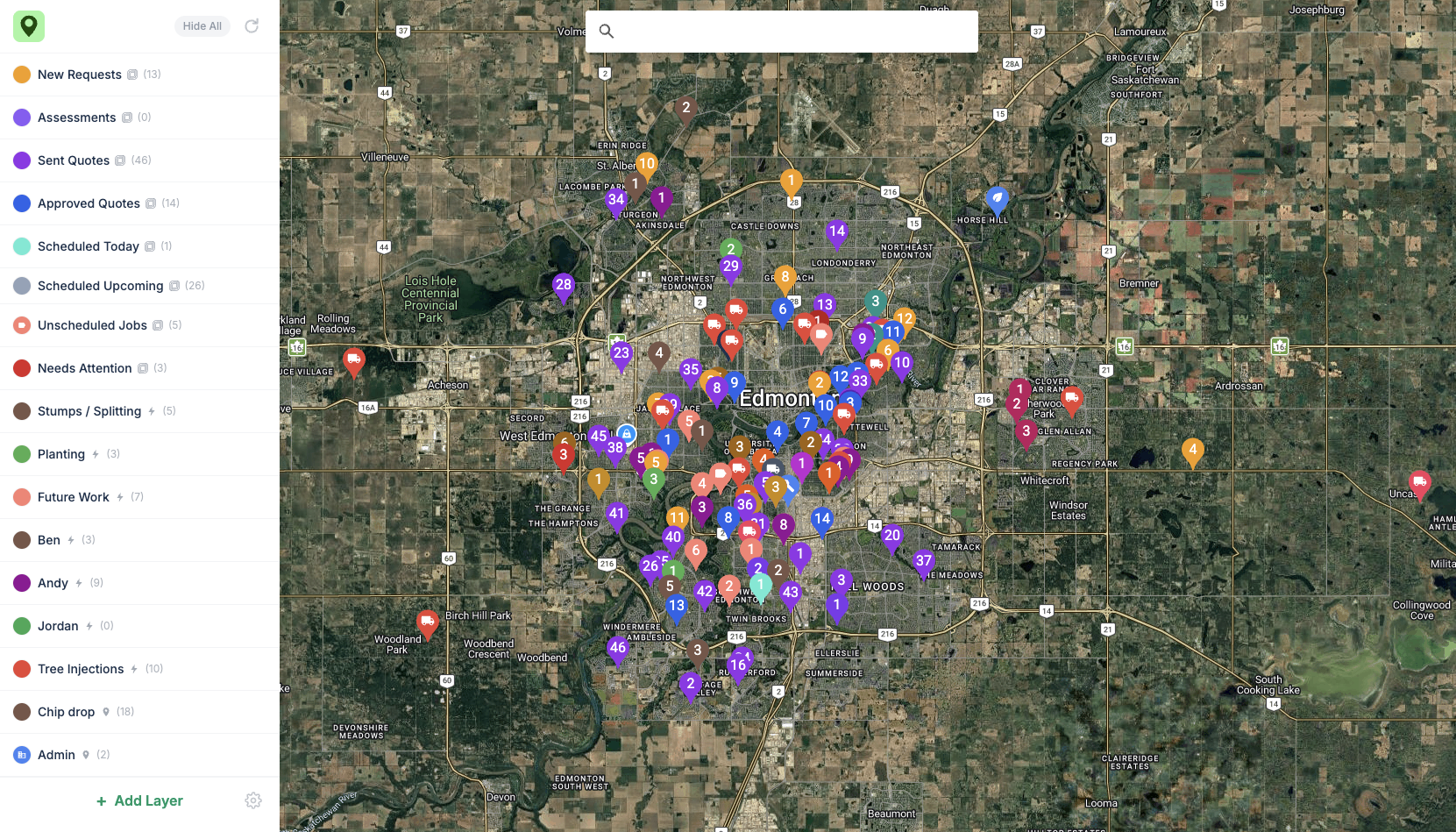
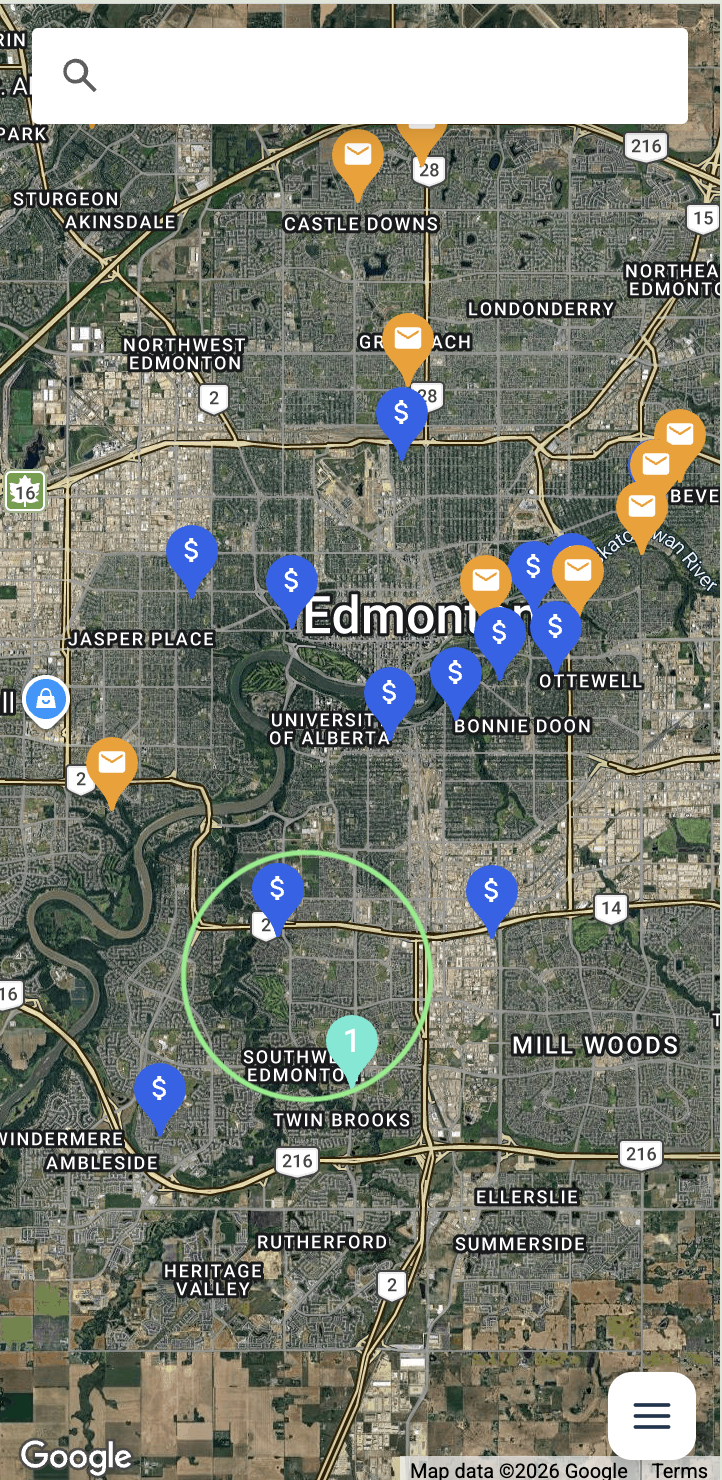
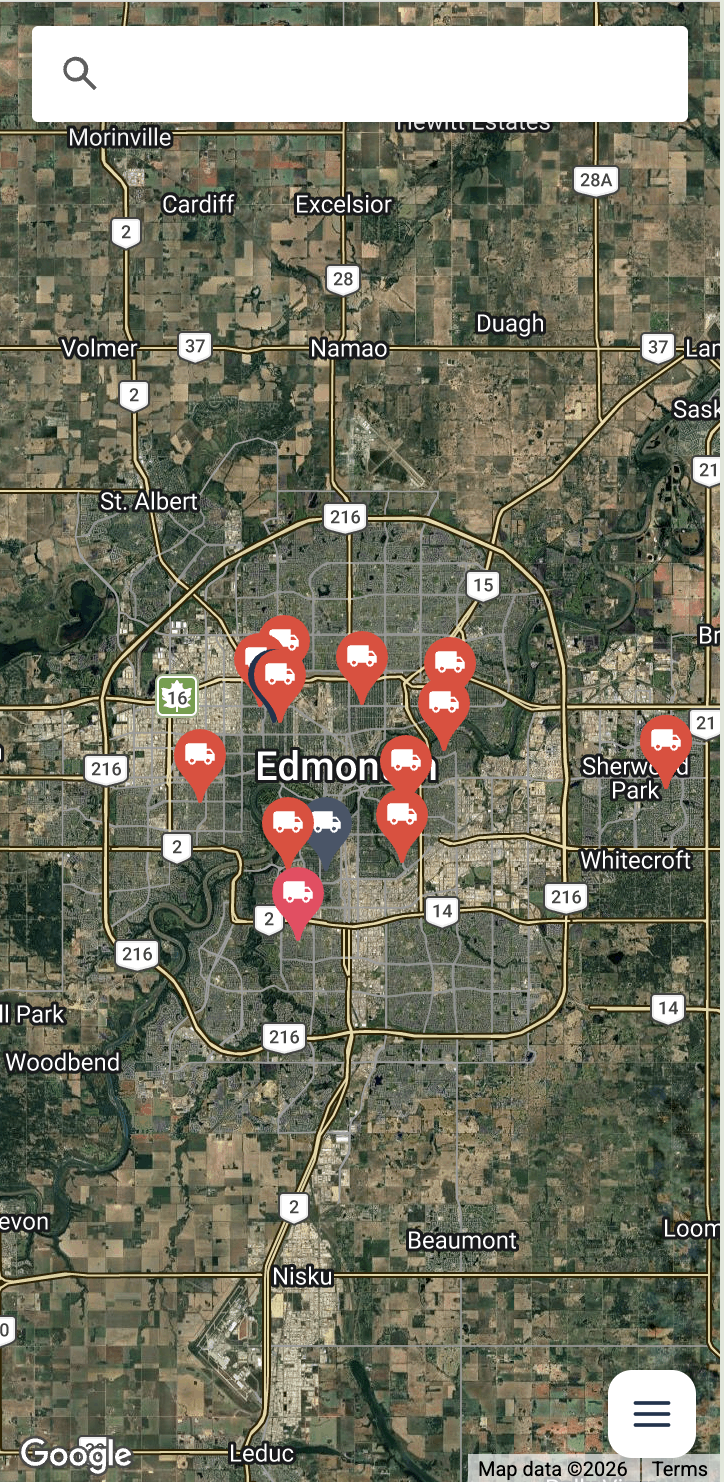
Look at your map, not just your schedule. Power Maps drops every Jobber request, quote, and job onto one live map, so you group work by neighborhood, cut drive time, and book the job next door while you're already there.
30-day free trial · No credit card required · Live in minutes
Put the map to work
The easiest way to save drive time and find nearby jobs.
Plan your routes
Unlimited routes
Custom start & end points
Google stop-by-stop driving directions
Save your routes
Find nearby work
Approved quotes
Open requests and quotes
Unscheduled work
Upcoming work
All on the same map.
Speed to lead
See all your new requests as they land on the map, and be the first to respond.
Running your day off a list quietly costs you opportunity.
Your schedule tells you when. It never tells you where. The map is how you plan the smarter day.
1Scene one · Tue 8:10 AM
Approved work next door goes unseen.
The crew heads across town for one job. Nobody saw the big-ticket approved quote a few blocks away — so it gets its own trip, another day.
The detour costs:fuel + a trip across town
2Scene two · Thu 2:30 PM
You book a second trip to a neighborhood you'll already be in tomorrow.
A new request comes in — a couple blocks from a job you've already got booked for tomorrow. But it's a name on a list, not a pin on a map, so you don't connect the two. You book it for next week and drive back out.
One repeat trip:a second drive, same neighborhood
3Scene three · Every Friday
"Why is the fuel bill so high again?"
Crews are profitable and trucks are crisscrossing the city. The work was never the problem — the route quietly eats a day's margin every week.
Every single week:a day’s margin, gone
Start planning your day off the map, not a list.
From “where’s my work?” to a more efficient day in minutes.
Look at your map, not just your schedule. See the open quotes near tomorrow’s job, group work by neighborhood, and book the ones you’re already driving past.
1Step one
Connect Jobber
Install from the Marketplace and authorize once. No CSV exports, no data entry — your map is live in minutes.
Jobber
Connected
Power Maps
Live sync
2Step two
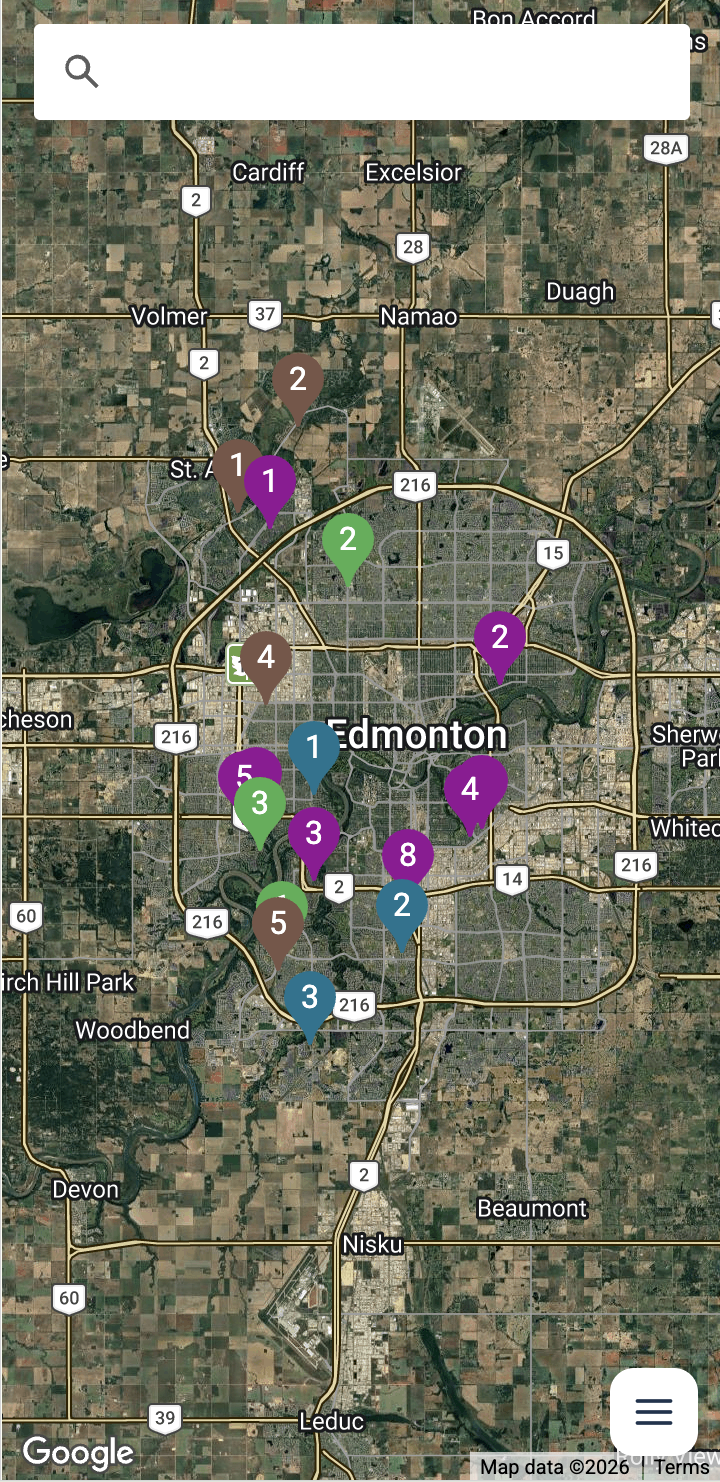
Your work lands on the map
Every request, quote, and job appears as a pin and stays in sync live — new ones show up within seconds.
RequestsSent QuotesJobsDump Sites
3Step three
Group nearby work & book
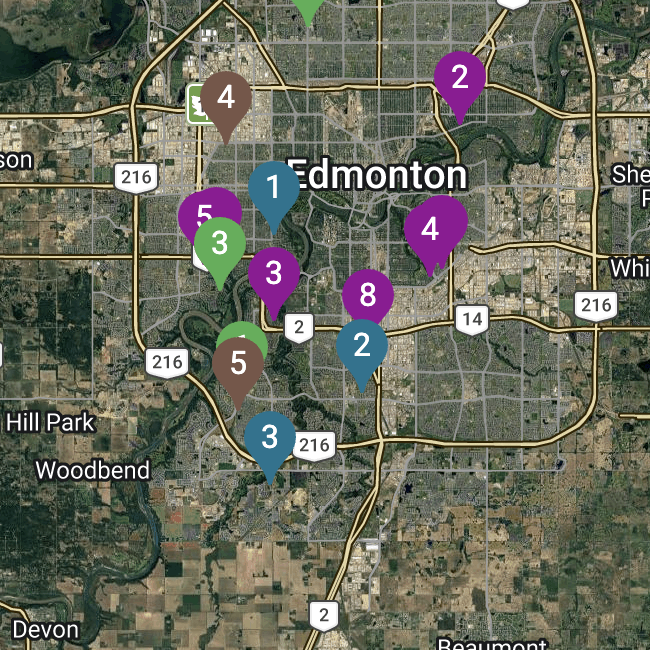
Spot the clusters, pick up nearby work, and build routes by job type, salesperson/assignee, or keyword.
Find hidden revenue
Pick up nearby work while you're already there
Working an area today? See every open quote and request right nearby. A quick “we’re already in your neighborhood” books the job. That’s revenue you already earned — just sitting on the map.
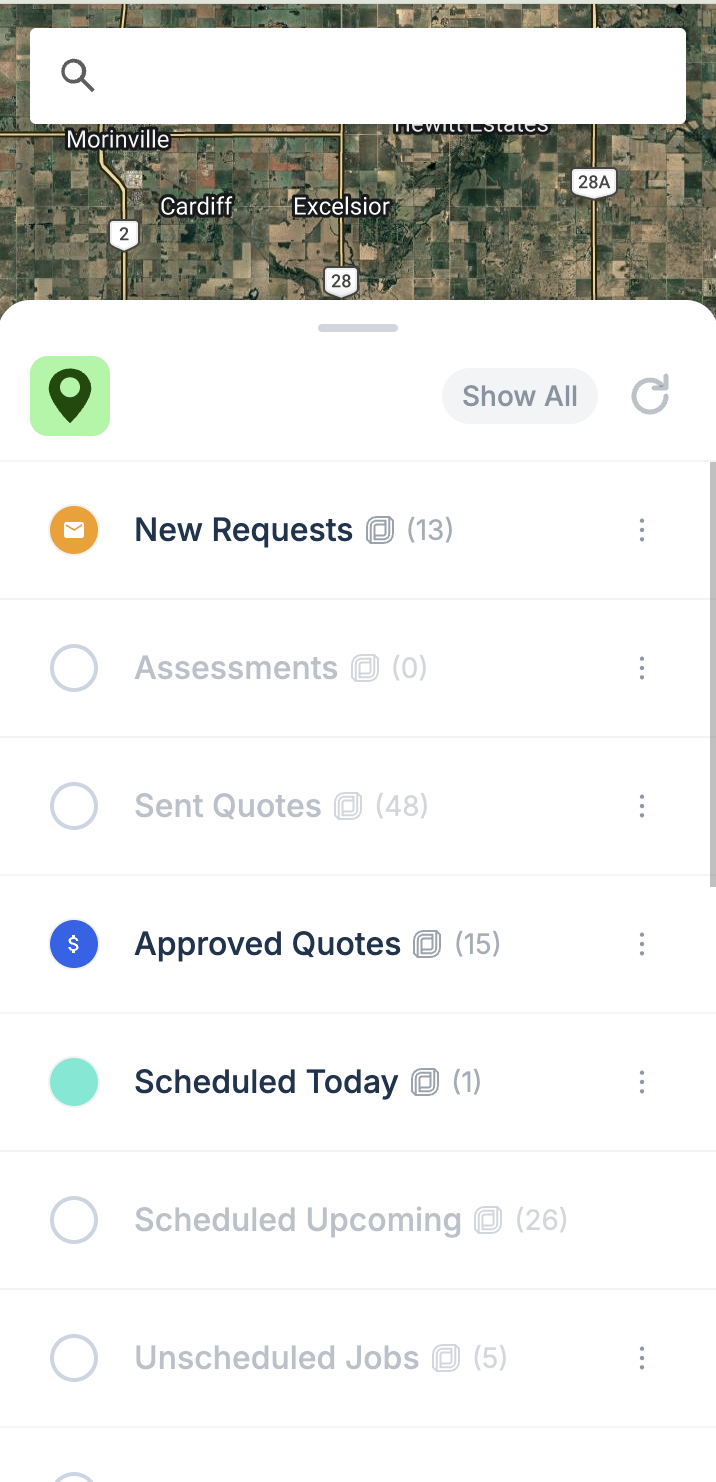
Toggle on the requests and quotes you care about……and see what’s right next to where you’re headed.
Custom layers
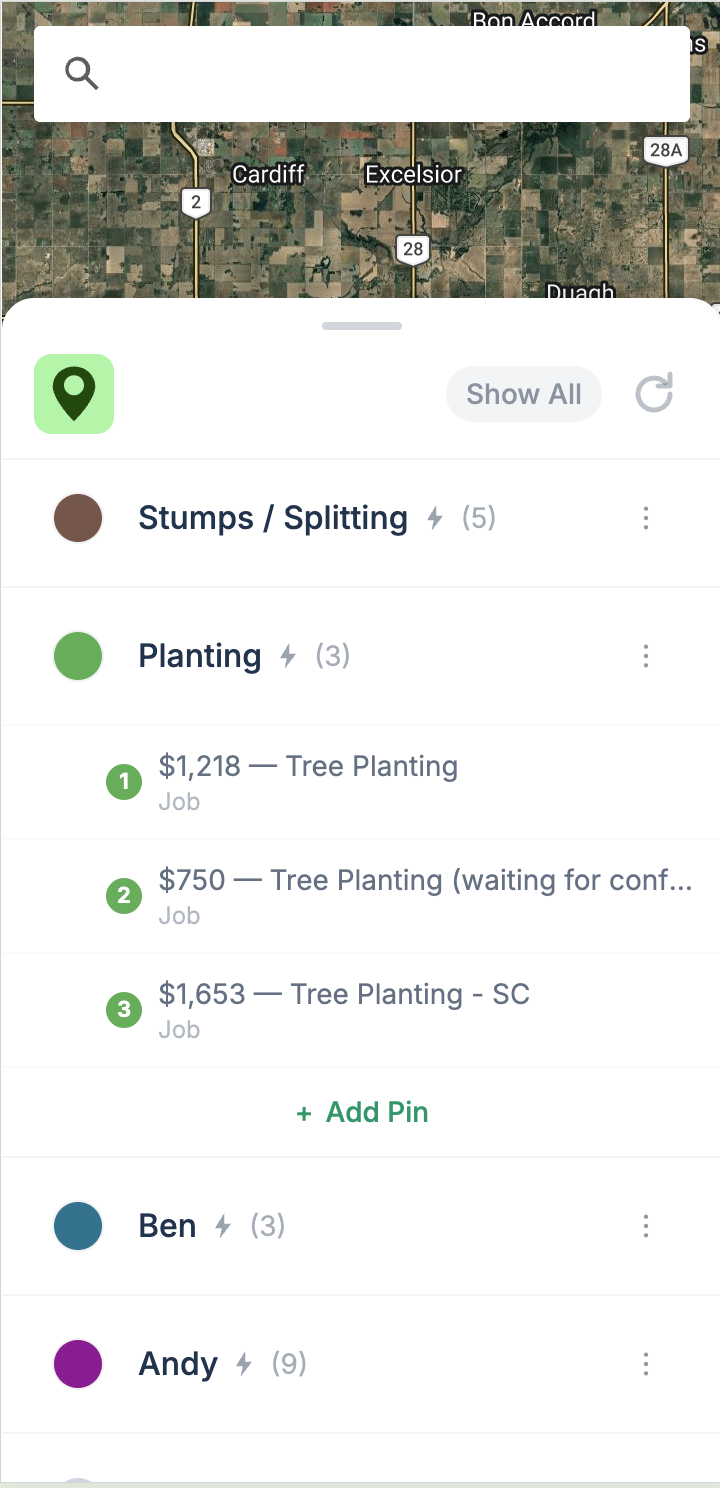
Group your work by job type, salesperson/assignee, or keyword
Filter by salesperson/assignee, job type, or keyword. Build the exact view each crew needs, then plan the route that makes sense. Your map, your rules.
All workStumps / SplittingPlanting ×AndyBen דremoval”
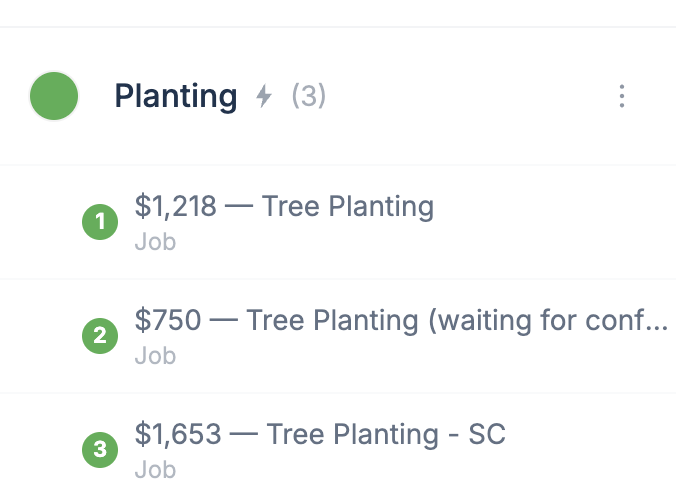
Build layers by job type or salesperson/assignee……and watch your work group itself on the map.
Custom pins
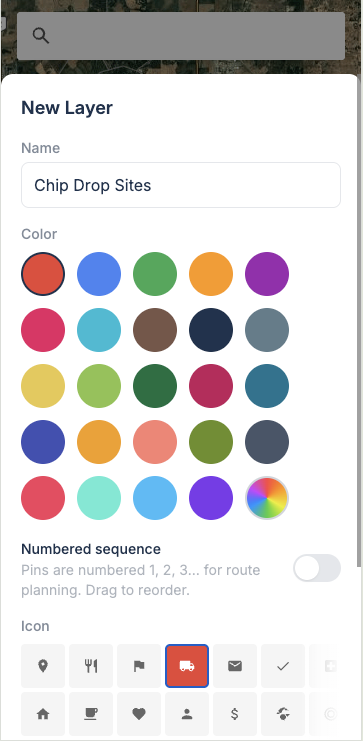
Add your shop, dump sites, and anything else
Drop pins for your shop, dump and chip-drop sites, and key accounts — your colours, your icons — right beside billable work. The whole operation on one map.
Pick a colour and icon for any custom layer……then drop pins for every site that matters.
Close one job nearby — it pays for the year
A nearby request, a quote down the street, or a job added to a route you're already driving — book one and Power Maps covers itself for the year. Less than half a tank of gas a month.
Here's what you're losing every week without it:
Fuel & hours
burned crisscrossing the city between scattered jobs
Quotes gone cold
estimates three streets away you never circled back to
Jobs you didn't book
work next door you couldn't see from a schedule
30-day free trial · No credit card
Power Maps
$49/ month
per team — unlimited users, after your free trial
Live sync with all your Jobber data
Unlimited custom layers & pins
Filters by salesperson/assignee, job type & keyword
Yes. Power Maps is a map integration built for Jobber. Install it from the Jobber Marketplace, authorize once, and every request, quote, and job appears on one live map. There are no CSV exports and no data entry.
Does Jobber have a map view?+
Jobber shows your work as a schedule and a list. Power Maps adds the map view, plotting your Jobber requests, quotes, and jobs as pins so you can plan by neighborhood instead of scrolling.
How do I put my Jobber jobs on a map?+
Connect Power Maps to Jobber from the Marketplace and authorize once. Your jobs, quotes, and requests are mapped within minutes and stay in sync live, so new requests and job edits appear within seconds.
How can I see all my quotes on a map?+
Toggle on the quotes layer and every sent and approved Jobber quote appears as a pin. You can see at a glance which estimates sit near each other and which are close to work you already have booked.
How can I see jobs on a map before they're scheduled?+
Power Maps plots your upcoming work, not just scheduled jobs. Approved quotes, new requests, and clients with specific tags all show on the map, so you can visually cluster and group them by neighborhood before you create and schedule the jobs.
How do I plan my crew's route for the day?+
Filter the map by job type, salesperson or assignee, or keyword to build the exact view a crew needs, then group the nearby pins into a sensible route for the day. Seeing the day laid out on a map is how you plan routes that cut drive time instead of crisscrossing town.
Can it help me reduce drive time between jobs?+
Yes. That's the point of proximity planning. When your requests, quotes, and jobs are pins on one map, you can see which work sits in the same area and group it into one trip, so crews spend less of the day driving between scattered stops.
Will it change anything in my Jobber account?+
No migration and no disruption. Power Maps reads your Jobber data to show it on a map. Your existing setup and workflow stay exactly as they are.
Does it work in the field?+
Yes. Power Maps is built mobile-first and runs on any phone or tablet your crews carry, so they can check what’s nearby right from the truck.
Can I cancel anytime?+
Anytime. No contracts and no lock-in. Start with the 30-day free trial, no credit card, and you only keep paying if Power Maps is paying you back.
Start seeing your whole map
Install Power Maps from the Jobber Marketplace and turn your scattered schedule into one clear map you can plan your whole day around. Free for 30 days — try it the moment you connect.